
Home / Monitoring / API monitoring

API MONITORING
API monitoring.
Check the response.
Monitor API uptime and expected responses for the services your applications rely on. Use authenticated requests and response validation to catch failures beyond a simple up-or-down check.
Monitor types, intervals, and advanced options vary by plan.
Product tour / Overview / Use cases / Getting started / FAQs
BUILT FOR DAY-TO-DAY OPERATIONS
A response is only useful when it is right.
01
Check the endpoint.
Keep an eye on availability and response time for important API endpoints. Identify timeouts and slow responses that can interrupt dependent applications.
02
Validate the response.
Define the response conditions that represent success for your service. Use validation to distinguish an expected result from a response that simply arrived.
03
Include authenticated requests.
Monitor endpoints that require authentication using the options supported by your check. Keep the request representative of how the service is accessed.
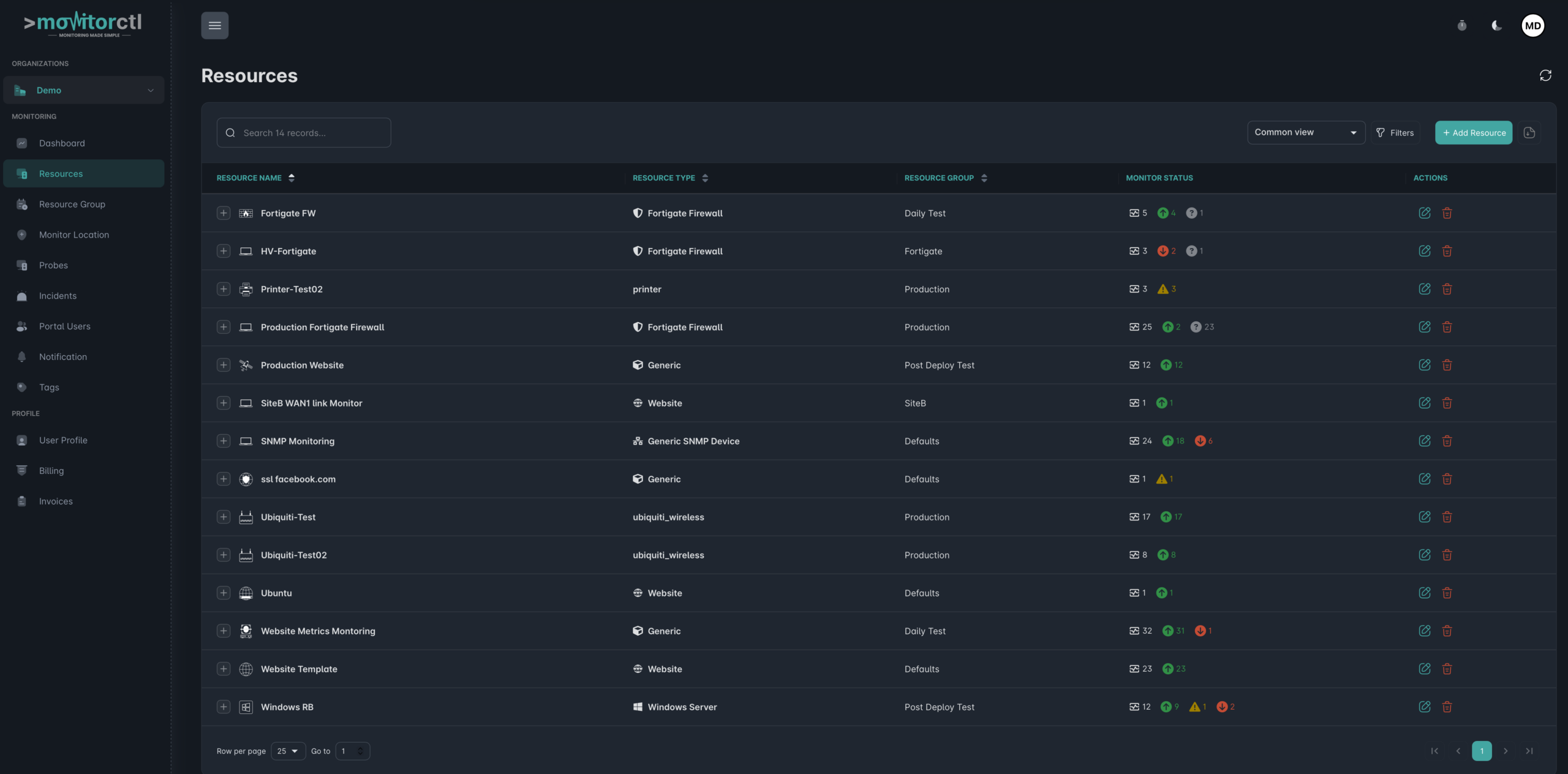
See how monitoring resources are organized.
Explore the MonitorCTL resources workspace and see how monitoring checks are organized. Use the player controls to pause or view it full screen.
WHERE IT HELPS
Visibility for the services
behind the experience.
Choose API checks around the functions your users and systems depend on. Separate a basic health endpoint from requests that verify useful application behavior.
Pair API checks with synthetic website monitoring to test browser journeys and website uptime monitoring to follow public availability.
Application backends
Check the endpoints that power important screens and features in your web or mobile application.
Partner integrations
Monitor the permitted API calls your workflows depend on, including services operated by other providers.
Release verification
Keep a repeatable set of checks for expected responses after deployments or configuration changes.
FROM CONFIGURATION TO CONTEXT
Build a check around your service.
01 / SETUP
Define the request
Add the endpoint and configure the request and authentication options supported by the monitor.
02 / SETUP
Set expected responses
Choose validation conditions that represent a successful result, and run the check to confirm the configuration.
03 / SETUP
Review and route alerts
Choose the available schedule and recipients. Review failures and response-time trends with the team that owns the API.

KEEP THE RIGHT PEOPLE INFORMED
Bring alerts into your team’s workflow.
Choose email or supported integrations such as Slack, Microsoft Teams, and webhooks. Use maintenance windows for planned work and acknowledgements or comments to add incident context.
Notification channels and workflow features depend on your plan.
A FEW USEFUL ANSWERS
Answers for your
monitoring plan.
What does API monitoring check?
It checks whether an API request completes and whether the response meets your configured validation conditions. Availability and timing provide additional context for investigating a failure.
Can MonitorCTL check authenticated APIs?
Yes. MonitorCTL supports API authentication. Choose the authentication options available in your monitor configuration and use credentials intended for monitoring.
Why validate a response instead of only checking its status?
A successful HTTP status does not necessarily mean the application returned the expected result. Response validation lets the check reflect the behavior your service is meant to provide.
Can I monitor every API protocol and request type?
Support depends on the monitor configuration. Review your endpoint, authentication requirements, and validation needs with us before choosing a plan or setting up a complex check.
BUILD A MORE COMPLETE VIEW
The next useful signal.

Synthetic website monitoring
Browser journeys
Website monitoring
Web availability
TCP port monitoring
Service connectivity
Keep the services behind
your application in view.
Bring an example endpoint and the response you expect. We can help you map it to an API monitoring check and review the available options.
Website and infrastructure monitoring.
A clearer view of what matters.