
WEBSITE & INFRASTRUCTURE MONITORING
Monitoring
services.
Choose monitoring services for website uptime, user journeys, APIs, and private infrastructure. Combine the checks your team needs to understand availability, investigate performance, and respond to issues.
EXPLORE MONITORING
Websites, domains & trust
Keep the path to your online services in view.

WEB AVAILABILITY
Website monitoring
Keep availability, response times, and HTTP behavior in view. MonitorCTL helps your team spot interruptions, investigate slowdowns, and respond with useful context.

CERTIFICATES & TRUST
SSL monitoring
Track certificate expiry and validity so your team can act before an overlooked renewal or configuration problem interrupts a secure connection.

DOMAINS & CONTINUITY
Domain expiration monitoring
Monitor domain expiration dates and registration details. Give your team time to renew the names that connect customers to your websites, email, and services.

NAME RESOLUTION
DNS monitoring
Monitor DNS records, server availability, and query performance. See when resolution changes or slows down so your team has a clearer place to start.
EXPLORE MONITORING
Application journeys & APIs
Test complete browser journeys and the API responses behind your application.
BROWSER JOURNEYS
Synthetic website monitoring
Run browser-based, multi-step checks across essential website journeys. MonitorCTL helps you verify that actions such as signing in, searching, and submitting a form reach the outcome you expect.

ENDPOINTS & RESPONSE VALIDATION
API monitoring
Check the availability and expected responses of the APIs your applications rely on. MonitorCTL supports authenticated requests and response validation, helping your team catch failures beyond a simple up-or-down check.
EXPLORE MONITORING
Networks & private infrastructure
Go deeper into connectivity, device health, and service availability.

WAN & CONNECTIVITY
Internet link monitoring
Track link availability, bandwidth usage, and interface performance with SNMP monitoring. See the connection your business depends on in more detail.

PRIVATE INFRASTRUCTURE
Enterprise monitoring
Bring routers, switches, firewalls, access points, and servers into one monitoring workflow. Connect private infrastructure to MonitorCTL with a probe in your environment.

REACHABILITY & LATENCY
Ping monitoring
Use ICMP ping monitoring to track device reachability, latency, and packet loss. Keep a simple, useful signal of network health in your monitoring workflow.
SERVICE CONNECTIVITY
TCP port monitoring
Check whether an important TCP service accepts connections. MonitorCTL helps you follow port availability and response time, alongside the health of the host.

DEVICE HEALTH & PERFORMANCE
SNMP monitoring
Collect supported device and interface metrics with SNMP v2/v3. Follow bandwidth, CPU, memory, and interface status across your network infrastructure.
OPERATING SYSTEMS & HARDWARE
Server monitoring
Monitor Windows and Linux with the collector agent. Add server hardware health through HPE iLO, IPMI and Dell iDRAC.
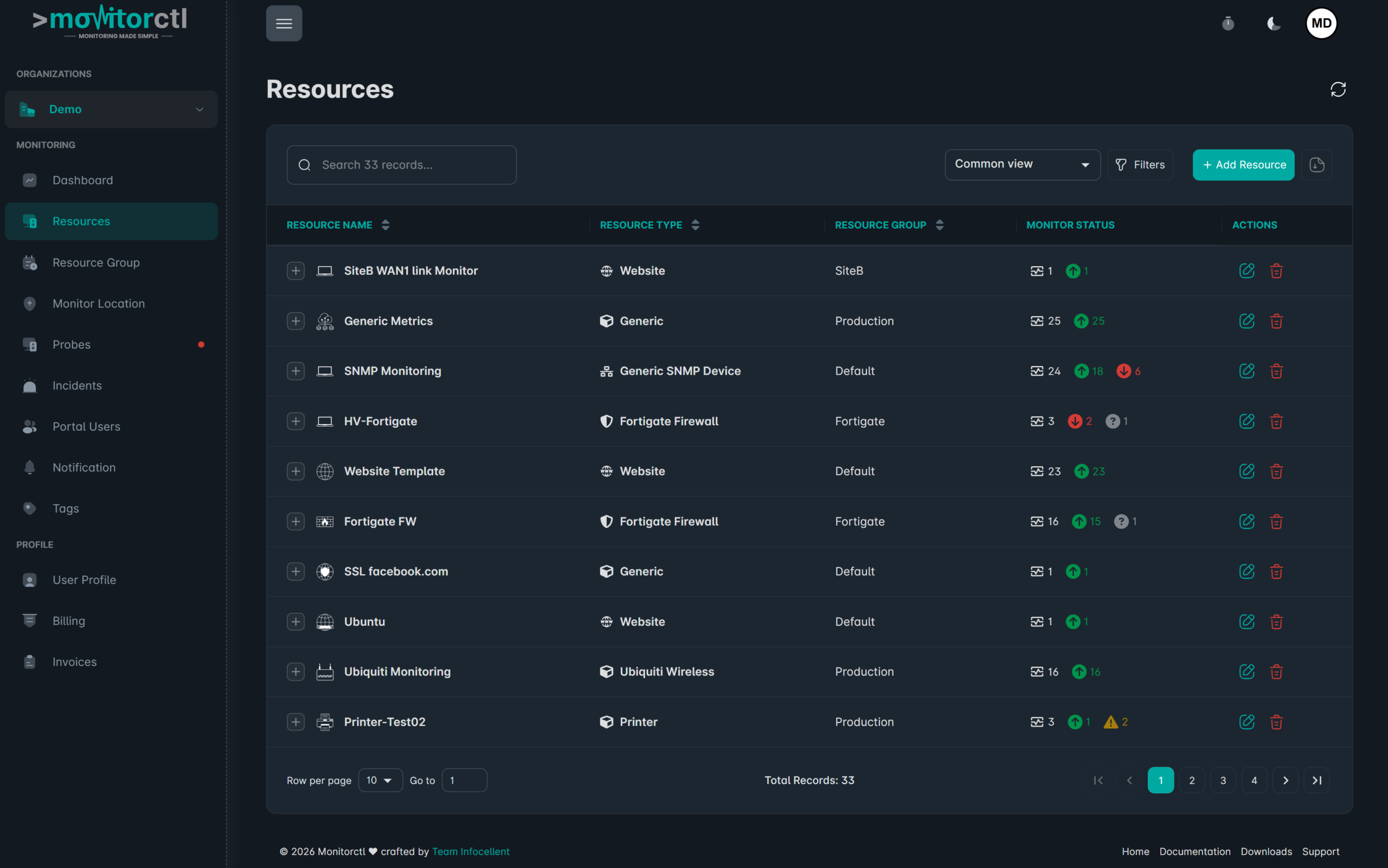
Explore your monitoring resources.
Watch a walkthrough of the MonitorCTL workspace. Use the player controls to pause or view it full screen.
START WITH THE QUESTION
What do you need
to know?
Is my website responding?
Start with website monitoring, then add SSL and DNS checks.
Start with website monitoring, then add SSL and DNS checks.
Can my team reach the service?
Combine ping with a TCP port check for host and service connectivity.
Combine ping with a TCP port check for host and service connectivity.
What is happening inside the network?
Explore enterprise, SNMP, and internet link monitoring.
Explore enterprise, SNMP, and internet link monitoring.
Start small. Add the context you need.
The Launch plan includes 50 monitors. Monitor types, check intervals, probes, and advanced features vary by plan.
Website and infrastructure monitoring.
A clearer view of what matters.
A clearer view of what matters.